Xiaomi Guide
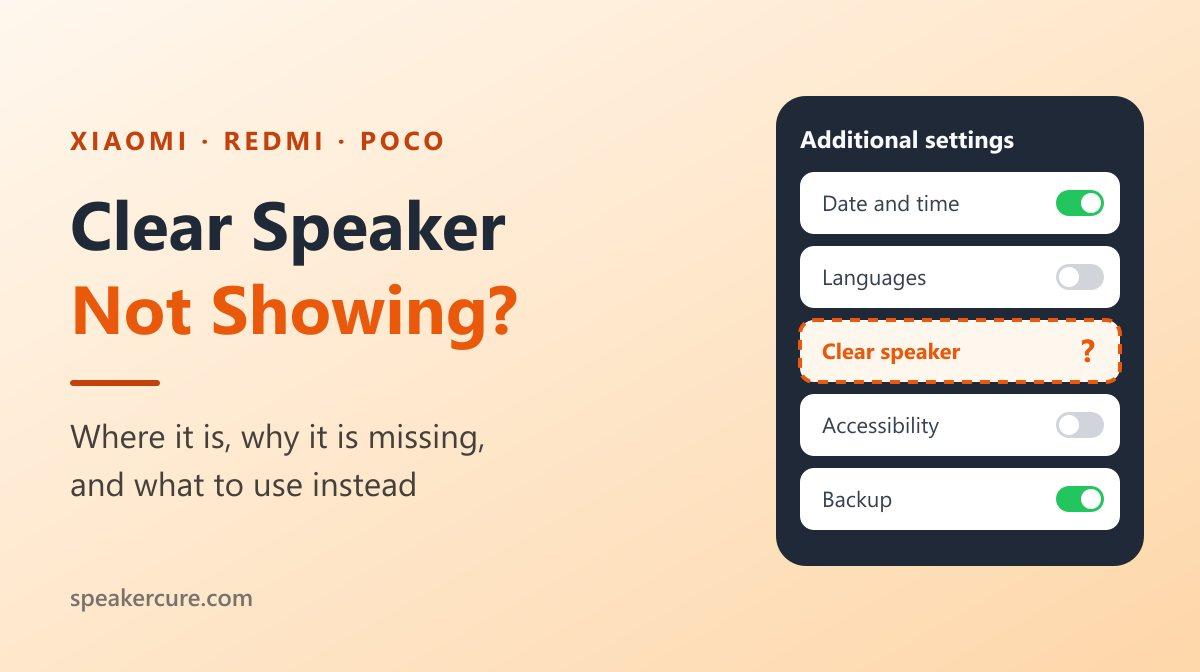
If the Clear speaker option is not showing on your Xiaomi, Redmi or POCO phone, you have probably not made a mistake. The option is simply not on every phone. Xiaomi's own support page says the Indian version of the POCO X7 has a speaker cleaning function, which tells us other versions may not include it. First, check Settings > Additional settings and try the search bar in Settings. If it is still missing, you can clean the speaker the same way with a cleaning sound in your browser. Both methods are explained below.
Key Takeaways
- Xiaomi's official path is Settings > Additional settings, then enable the speaker cleaning function
- Xiaomi says the Indian version of the POCO X7 has this function, so the software version of your phone matters
- If a search for "speaker" in Settings shows nothing, your phone does not have the option
- You cannot install it as an app, because it is part of the system software
- A cleaning sound played in your browser uses the same idea and works on any model
- For dust on the outer mesh, Xiaomi advises gentle brushing or a visit to an after-sales service outlet
What Is Xiaomi's Clear Speaker Feature?
It is a small tool inside the phone's settings. When you turn it on, the phone plays a loud sound through its own speaker for a short time. The sound makes the speaker shake, and that shakes dust out of it. Most guides call it Clear speaker. Xiaomi's support page calls it the speaker cleaning function.
It is the same idea as a speaker cleaner website or app. The only difference is that it is built into the phone, so you do not need the internet. Our article on whether speaker cleaner apps work explains the evidence behind this method.
Where to Find Clear Speaker on Xiaomi, Redmi and POCO
Xiaomi's support answer for the POCO X7 gives these steps for when dust or foreign objects get into the speaker:
- Go to Settings
- Scroll down and tap Additional settings
- Enable the speaker cleaning function
If you do not see it in Additional settings, try the faster way:
- Open Settings
- Tap the search bar at the top
- Type "speaker" and look for a result named Clear speaker or speaker cleaning
If the search finds nothing, the option is not on your phone. Looking in other menus will not help.
Why Clear Speaker Is Not Showing
| Reason | What we know | What to do |
|---|---|---|
| Your phone's software version does not include it | Confirmed by Xiaomi for one model: its POCO X7 page says the Indian version has the function | Use a browser cleaning sound instead |
| Your model or system version never had it, or lost it | Not confirmed by Xiaomi. Some users report that the option went away after an update | Search Settings again after each update |
| It has a different name in your language | Menu names are translated, so "Clear speaker" may not match | Search for the word for speaker in your own language |
| You are looking in the wrong menu | It is not under Sound and vibration | Go to Additional settings or use the search bar |
The first reason is the important one. Xiaomi sells the same phone with different software in different countries. A feature on the Indian software may be missing on the global or European software of the very same model. This is why so many people outside India follow a guide, open Additional settings and find nothing.
We could not find an official Xiaomi list of every model that has the option. Be careful with websites that give you a full list, because Xiaomi does not seem to publish one.
How to Clean the Speaker When the Option Is Missing
You do not need the built-in option. A cleaning sound from a website does the same kind of job and works on any Xiaomi, Redmi or POCO phone, on MIUI or HyperOS, in any country.
- Take the case off and wipe the phone dry
- Set media volume to about 80-90%
- Open SpeakerCure in Chrome or the Mi Browser
- Choose Dust Removal for dust, or Water Eject if the phone got wet
- Hold the phone with the speaker facing down, so the dust or water falls out
- Let it run for 2-3 minutes and repeat 2-3 times
There is nothing to install and no account is needed.
If the phone has the built-in option and you also want to use this method, that is fine. They are two ways of doing the same thing.
Built-In Clear Speaker vs a Browser Speaker Cleaner
| Built-in Clear speaker | Browser speaker cleaner | |
|---|---|---|
| Where it works | Only on phones whose software includes it | Any model and any software version |
| Internet needed | No | Yes, to open the page |
| Install needed | No | No |
| Water mode | Xiaomi describes it for dust and foreign objects | Separate modes for water and for dust |
| Good for | A quick clean when the option exists | Phones where the option is missing |
What Xiaomi Says About Keeping the Speaker Clean
The same Xiaomi support answer gives two more pieces of advice.
- Keep certain things away from the speaker. Xiaomi says to avoid contact with oil, beverages, cosmetics and similar items in daily life. These make dust stick to the mesh
- Brush the outer mesh. If there is obvious dust on the outer dust-proof net, Xiaomi says you can gently brush it with a brush, or have it cleaned at an after-sales service outlet
Use a clean, dry, soft brush and move it across the holes, not into them. Our speaker grille cleaning guide shows the safe way.
If the Speaker Is Still Quiet After Cleaning
A cleaning sound removes loose dust and water. It does not fix a setting, a software fault or a damaged speaker.
- For volume channels, sound effects and the hardware test on Xiaomi phones, see our Redmi and Xiaomi speaker not working guide
- If the sound is dull but not silent, see why a phone speaker sounds muffled
- If nothing helps, read our phone speaker repair guide before you visit a service centre
Frequently Asked Questions
Why is Clear speaker not showing on my Xiaomi phone?
Most likely your phone's software version does not include it. Xiaomi says the Indian version of the POCO X7 has the function. Search for "speaker" in Settings to check.
Where is the Clear speaker option on Xiaomi, Redmi and POCO?
Open Settings, tap Additional settings, and enable the speaker cleaning function. If it is not there, use the search bar in Settings.
Does HyperOS have the Clear speaker feature?
It depends on the phone and its software version. Check by searching in Settings on your own phone.
How do I clean my Xiaomi speaker if Clear speaker is missing?
Play a cleaning sound from a website in your browser with the speaker facing down. For dust on the outer mesh, brush it gently.
Can I install the Clear speaker feature on my phone?
No. It is part of the system software. A browser-based cleaning sound does the same job without installing anything.
Conclusion
If you cannot find Clear speaker, stop searching through menus. Check Settings > Additional settings once, try the search bar once, and then accept that your phone's software may not include it. Xiaomi itself confirms the function for the Indian version of one model, not for every phone.
You can still clean the speaker today. Open SpeakerCure in your browser, hold the phone with the speaker facing down, and run a free 2-3 minute cycle. It works on every Xiaomi, Redmi and POCO phone.