Diagnostics
A broken phone speaker rarely means you need a new phone - or even a repair shop visit. Most speaker problems have a straightforward fix you can apply in minutes. This guide covers every proven method, from acoustic water ejection to deep software resets, ordered from fastest to most involved.
Key Takeaways
- Acoustic cleaning is the fastest and most effective fix for water-muffled speakers
- The rice method has been debunked - see why acoustic cleaning works better
- Software resets fix more speaker problems than most people expect
- Silica gel absorbs ambient moisture but cannot reach inside a sealed speaker chamber
- Most crackling at high volume is caused by debris - not hardware failure
- If sound works via Bluetooth but not internal speaker, the hardware is likely the issue
Method 1: Acoustic Cleaning (Best for Water and Dust)
The most effective first step for any muffled or water-damaged speaker is acoustic cleaning. A precisely tuned frequency - typically between 165 Hz and 200 Hz - causes the speaker membrane to vibrate at the resonant frequency of trapped water droplets, physically ejecting them from the grille.
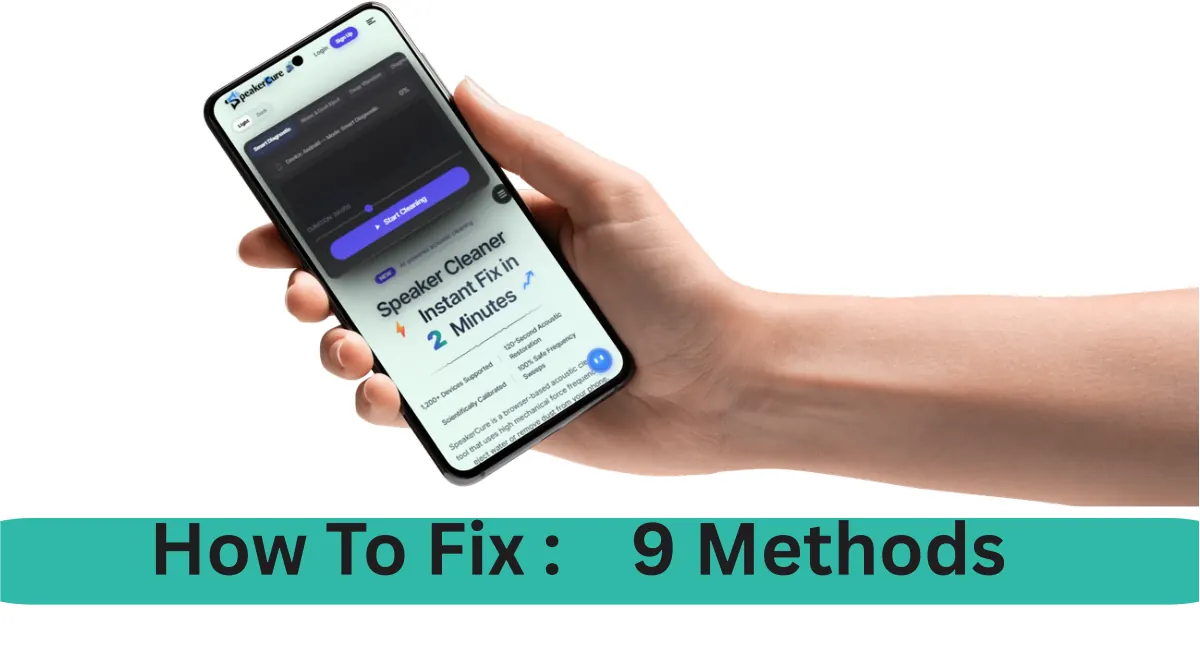
This is the same principle used by professional audio equipment maintenance and military-grade waterproofing tests. SpeakerCure's free Smart Diagnostic tool runs this sweep automatically in your browser - no download needed. Most users report audible improvement within 30–60 seconds.
How it works:
- Open speakercure.com on your phone browser
- Turn volume to 80–90% (required for effective membrane vibration)
- Select Smart Diagnostic and run a 2-minute session
- Point the speaker downward during the session to allow water to exit
Method 2: Apple Watch Water Lock - The Acoustic Principle
Apple Watch includes a built-in Water Lock feature that ejects water from its speaker by emitting a series of tones when you turn the Digital Crown after swimming. This is the same acoustic principle explained in detail on Why SpeakerCure works.
While iPhone itself does not include a native equivalent for the main loudspeaker, third-party tools like SpeakerCure apply the same physics to any phone speaker via the Web Audio API.
Method 3: Physical Grille Cleaning
Dust, lint, and debris on the speaker grille physically block sound waves from reaching your ear. This is one of the most overlooked causes of muffled audio - and one of the easiest to fix.
What you need:
- A clean, dry soft-bristle toothbrush or paintbrush
- Painter's tape or masking tape (optional)
- Bright flashlight
Steps:
- Shine the flashlight at the speaker grille at a shallow angle - this reveals accumulated debris
- Use the dry brush to sweep debris outward from the grille, moving in one direction only
- Press a piece of painter's tape lightly over the grille and lift - it pulls surface debris off cleanly
- Repeat the brush pass to clear any remaining particles
Never use compressed air directly into the grille. The pressure can push debris deeper into the speaker chamber and damage the membrane. Gentle outward brushing is always safer.
Method 4: Software and Settings Fixes
Before assuming the problem is physical, rule out software causes. These are more common than most users expect:
Restart your phone
A full power-off restart clears temporary audio driver states. This fixes intermittent cutting out, sudden volume drops, and distortion that appears without any physical event.
Check volume and Do Not Disturb
Check that media volume - not ring volume - is turned up. On Android, pressing a volume button and tapping the expand icon reveals separate sliders for ring, media, and alarm volumes. On iPhone, go to Settings → Sounds & Haptics and confirm the volume slider is above 50%.
Disconnect all Bluetooth devices
If your phone is connected to a car system, wireless speaker, or earbuds, audio will route to those devices instead of the internal speaker. Go to Settings → Bluetooth and disconnect all paired devices, then test again.
Update your operating system
Audio driver bugs are frequently patched in OS updates. A common pattern: speaker works fine after a restart but degrades after a few hours - this is a known driver issue on several Android builds that was patched in subsequent updates.
- Android: Settings → System → Software Update
- iPhone: Settings → General → Software Update
Test in Safe Mode (Android)
Safe mode disables all third-party apps. If the speaker works normally in safe mode, a downloaded app is routing or intercepting audio. Hold the power button, long-press "Restart" on most Android devices to enter safe mode. Uninstall recently added apps to identify the culprit.
Method 5: Clear the Headphone Jack Ghost Mode
If you used wired headphones recently and the speaker suddenly stopped working, your phone may be stuck in headphone mode - it thinks headphones are still connected even after unplugging.
How to fix it:
- Plug wired headphones in, then unplug them slowly - repeat 3 times
- Restart the phone
- Clean the headphone jack with a dry toothpick to remove lint (if your phone has one)
- On Android: try a headphone jack cleaning app that plays a click sequence to reset the detection circuit
Method 6: Silica Gel for Residual Moisture
After water exposure, even when your speaker sounds clear, residual moisture can remain trapped in the speaker chamber and cause gradual degradation over days. Silica gel packets - the small desiccant sachets found in shoe boxes and electronics packaging - absorb ambient moisture from the air surrounding the device.
To use silica gel correctly:
- Place your phone in a sealed zip-lock bag or airtight container
- Add 5–10 silica gel packets around (not touching) the speaker
- Seal and leave for 24–48 hours
- Do not use heat sources - heat can warp internal components
Important limitation: silica gel absorbs moisture from the air inside the container but cannot draw water out from inside the sealed speaker chamber. For faster active removal, acoustic cleaning works in minutes - try it free at SpeakerCure.
Method 7: Check for Physical Damage
Inspect the speaker grille with a flashlight. Warning signs that indicate hardware damage rather than blockage:
| Symptom | Likely Cause | DIY Fixable? |
|---|---|---|
| Crackling at all volumes | Torn or misaligned membrane | No - needs replacement |
| Crackling only at high volume | Debris or light membrane stress | Yes - clean first |
| Muffled but no distortion | Water or dust blockage | Yes - acoustic clean |
| Completely silent | Blown speaker or loose connection | No - professional repair |
| Intermittent cutting out | Loose wire or software driver | Maybe - software first |
Method 8: Factory Reset (Last Software Resort)
If speaker issues persist across all apps and conditions and every software fix has failed, a factory reset eliminates the possibility of a corrupted audio driver or system file. Back up your phone first - this erases all data.
- Android: Settings → General Management → Reset → Factory Data Reset
- iPhone: Settings → General → Transfer or Reset iPhone → Erase All Content and Settings
If the speaker still fails after a factory reset, the problem is definitively hardware.
Method 9: Professional Repair
Some speaker problems require professional service:
- Speaker completely silent at all volumes after software fixes
- Constant buzzing or distortion regardless of content or volume
- Visible damage to grille or surrounding chassis
- Phone was submerged for an extended period
Before paying for out-of-warranty repair, check whether your device is covered under manufacturer warranty (Apple typically covers manufacturing defects for one year) or a carrier insurance plan. Accidental damage plans from carriers often cover speaker failure from liquid exposure.
Expect to pay $40–$100 for loudspeaker replacement at an independent repair shop, or $100–$200+ at an official service centre, depending on the model.
Frequently Asked Questions
Can I fix my phone speaker without a repair shop?
Yes. Most speaker problems - muffling, low volume, and mild crackling - can be resolved at home. Acoustic cleaning, physical grille cleaning, and software resets fix the majority of cases without any hardware intervention.
How do I get water out of my phone speaker?
Use acoustic cleaning: a frequency around 165–200 Hz causes the speaker membrane to vibrate and eject trapped water. SpeakerCure's free Smart Diagnostic does this automatically in 2 minutes, directly in your browser.
Why does my speaker sound muffled after getting wet?
Water inside the grille blocks the membrane from vibrating freely. Even after the phone appears dry externally, residual moisture or mineral deposits from evaporated water cause lasting muffling that acoustic cleaning can address.
Does the rice method work?
No. Rice absorbs atmospheric humidity but cannot reach moisture trapped inside a sealed speaker chamber. It also risks introducing rice starch dust into ports. Acoustic vibration methods are faster, cleaner, and measurably more effective.
How long does speaker repair take?
Acoustic cleaning takes 2 minutes. Physical grille cleaning takes under 10 minutes. Software fixes including a full reset take 30–60 minutes. Professional hardware replacement typically takes 1–2 hours at a repair shop.
Conclusion
The order matters: start with acoustic cleaning (fastest, works for water and dust), then physical cleaning, then software resets. Most phone speaker problems resolve within the first three methods without touching settings or visiting a repair shop.
If your speaker sounds muffled right now, run SpeakerCure's free Smart Diagnostic - it applies an acoustic cleaning sweep and a full frequency diagnostic in under two minutes, from any phone browser.